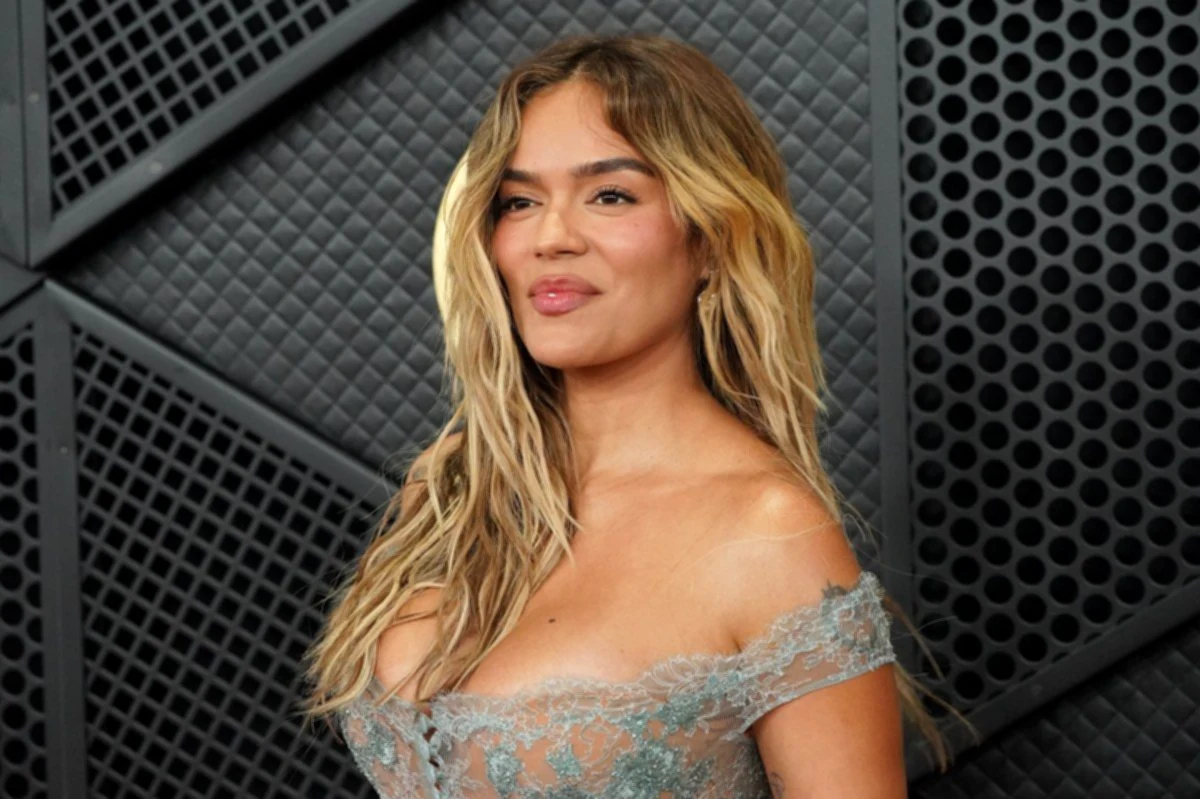
Using Nano Banana from your phone is easier than it sounds. To try this option, simply activate the voice assistant, ask Gemini to generate an image, and you're done. In practice, Gemini takes care of opening (or “firing”) Nano Banana in the background, and you just focus on describing what you want to see.
How to use Nano Banana from your phone
The idea is that you don't have to go into strange menus or learn “programmer” commands; instead, you talk to the virtual assistant and give it a clear instruction. For example, you activate your mobile assistant (the typical “Hey Google” or the button shortcut) and say something like, “Gemini, generate an image of…”. Gemini is designed to generate and process images conversationally (that is, as if you were chatting) using text, images, or a mix of both.
Google describes Nano Banana as the name of Gemini's native image generation capabilities, so when you ask it for an image, you're basically invoking that creative engine.
And if your account or settings allow it, Nano Banana Pro may also appear, which aims for more "studio-quality" results, with more control and better quality.An important detail is that in apps with Gemini, Google explains that there are two options for images: Nano Banana Pro (advanced model) and Nano Banana (faster and designed for everyday use). This matters because, depending on your plan, age, or usage limits, Gemini may change the mode it uses to generate what you ask for.
What happens when you say "Gemini, create an image"?
When you use the voice command, the flow is quite straightforward. Gemini receives the prompt (your description) and generates the image with Nano Banana. In the world of APIs, Google even gives it specific model names: Nano Banana is associated with Gemini 2.5 Flash Image and Nano Banana Pro with Gemini 3 Pro Image Preview, each optimized for speed or professional results. The interesting thing for mobile use isn't the technical name,but rather the behavior, since you can iterate as if you were talking to a designer. Gemini enables this conversational style for creating, editing, and refining images, which means you can request quick changes without starting from scratch.
If you want results that look “made by someone,” the trick is in how you ask. Google recommends starting with verbs like “draw,” “generate,” or “create,” describing the style (photorealistic, watercolor, cartoon, etc.), and detailing subject + action + background/scene. In voice, that feels natural: “Gemini, create a photorealistic image of… with soft lighting… on a minimalist background…”.
What kind of content can Nano Banana create?
Nano Banana isn’t just for “pretty drawings”: it’s designed to generate and edit images. Gemini can generate images (text-to-image) and also edit from an image you upload, adding, removing, or modifying elements with text instructions. In other words, you can ask it to do anything from "create a render" to "take this photo and change the background." According to Google's documentation for Gemini apps, Nano Banana Pro adds improvements such as enhanced text rendering, more "world knowledge" for more accurate infographics/diagrams, control over lighting/angles/aspect ratio, combining multiple photos, and higher resolution (with differences between free and paid accounts). In "normal" Nano Banana mode, features like character consistency (maintaining the same look for a person/character across multiple images) and spot edits for quick changes are highlighted. In practice, that means you can create things like this from your phone:
According to Google's documentation for Gemini apps, Nano Banana Pro adds improvements such as enhanced text rendering, more "world awareness" for more accurate infographics/diagrams, control over lighting/angles/aspect ratio, combining multiple photos, and higher resolution (with differences between free and paid accounts). In the "normal" Nano Banana mode, features like character consistency (maintaining the same look for a person/character across multiple images) and spot edits for quick changes are highlighted.
In practice, that means you can create things like this from your phone: