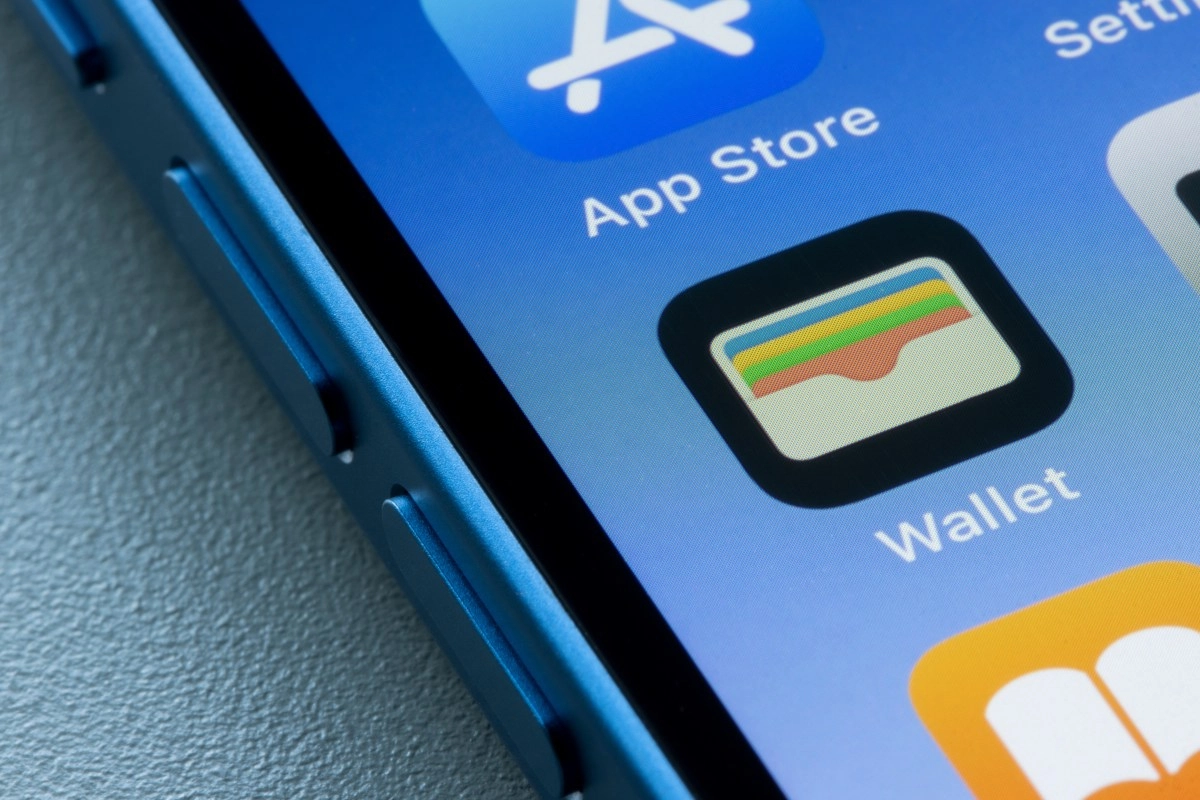

Let's be honest, how many times have you left the house and realized you forgot your wallet? That doesn't have to be a problem anymore. Apple Wallet and Google Wallet let you save your driver's license or state ID directly to your phone, and no, we're not talking about a photo in the gallery that no one accepts as an official document.
We are talking about a verified digital license, with NFC chip and everything, which airports, stores and other verification points in several US states already recognize. Plastic, definitely, has its days numbered.
How to add your license to Apple Wallet step by step
If you have an iPhone, the process is so easy that you'll end up wondering why you didn't do it sooner. Open the Wallet app, tap the “ ” in the upper right corner and choose the “Driver's License or State ID” option. The system will ask you to scan both sides of your physical license with the camera and complete an identity verification with Face ID or a moving selfie — yes, the kind where they ask you to turn your head or blink. It's weird the first time, but it's for your safety.
When you arrive at the airport or any supported checkpoint, just double-click the side button on your iPhone, select your license, and hold your phone up to the reader. The coolest thing of all is that before any data is shared, the screen shows you exactly what information you are going to reveal and you decide if you authorize. Nothing is transferred without your permission.
How to add your license to Google Wallet on Android
Those who live in the Android ecosystem also have their version and it works just as well. Open Google Wallet, tap the “Add to Wallet” button at the bottom right and select “ID”. The system then asks you to choose your state, photograph both sides of your license, and record a short video of your face to verify that it's you and not someone using your document. A bit of The Matrix, but in a DMV version.
The requirements are basic: Android 9 or higher, Bluetooth activated and a screen with a configured lock — whether fingerprint, face or PIN. Once everything is ready, you can show your ID in two ways: by holding the phone close to an NFC reader or by displaying a QR code from the app, always with your approval before a single piece of information is displayed. Puerto Rico already activated this function in November 2025, and its inhabitants can use it even at the Luis Muñoz Marín, Mercedita and Rafael Hernández airports.
In which states you can use your digital license right now
Here's the list everyone wants to see. Currently 13 states plus Puerto Rico already have official support for digital licenses in mobile wallets, and the number continues to grow:
The place where it is most used today is at TSA checkpoints at airports, where your digital license is already worth the same as the physical one. The TSA has on its agenda to accept this type of document at all airports in the country, which makes it clear that this is not a passing fad. As of May 2025, states such as Arizona, Colorado and Maryland already allow boarding using only the digital license at certain select airports.
Now, what you should keep in mind is that for now the digital license does not 100% replace the physical card. In many legal procedures and in states that have not yet adopted the technology, plastic is still mandatory, so the most sensible thing is to carry both options while the infrastructure expands. But the direction of change is undeniable: your phone is now ready to be your wallet, your key and your identity at the same time.