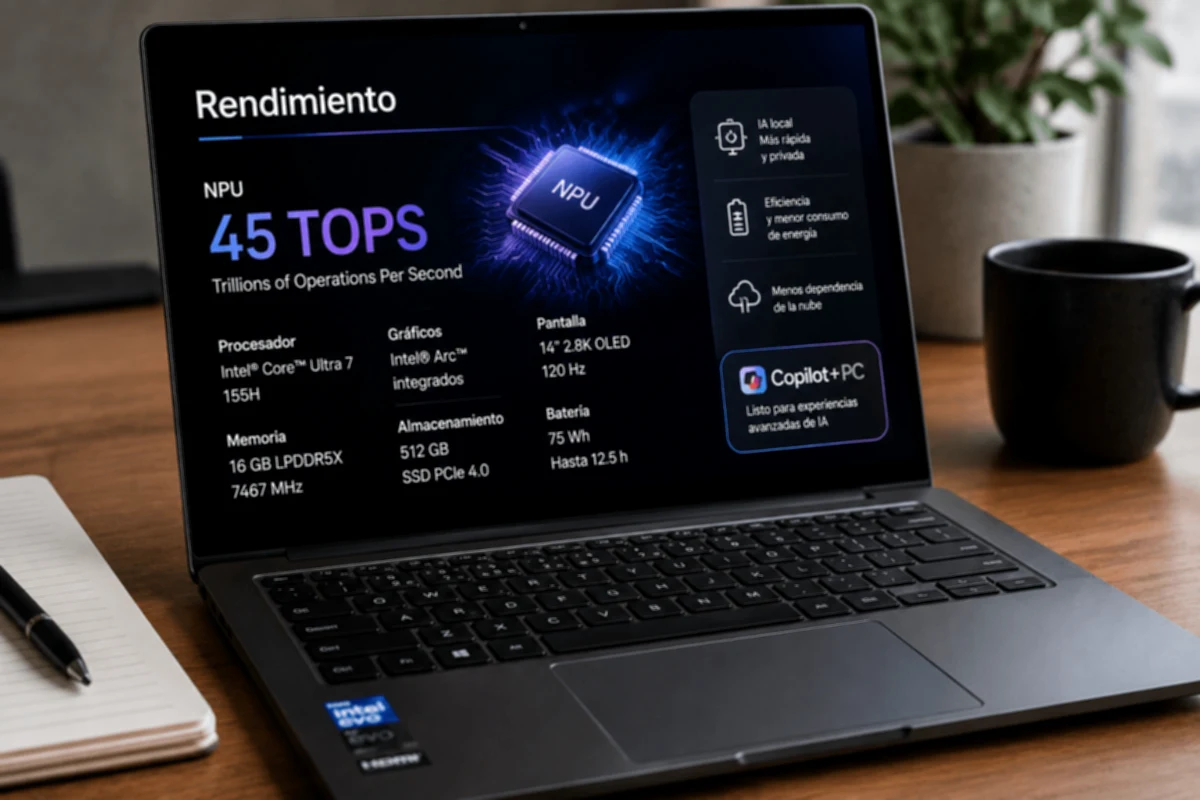

Choosing a new laptop has become something of a pop quiz. Before, it was enough to remember that Intel was moving up a level from i3 to i5 and from there to i7, the most powerful and expensive of the family, so anyone without technical knowledge could get a quick idea of ​​what they were buying. Today that simple logic has practically disappeared, and in its place is a map of letters, numbers and words that seems designed to confuse even the most curious user.
The change that turned everything upside down
Intel decided to get rid of the “i” it used for more than a decade and now classifies its chips simply as Core 3, Core 5, Core 7 and Core 9, maintaining the rule that the higher the number, the higher the performance and the higher the price. Up to this point everything sounds reasonable, the problem comes when the Core Ultra family comes into play, designed for more powerful and premium equipment, because it also uses the numbers 5 and 7, so a normal Core 7 does not perform the same as a Core Ultra 7, even though the name seems almost identical.
To this we must add the letters that accompany each model, such as H, U, P, HX or V, which indicate whether the processor is designed for an ultra-thin laptop, for a high-performance gaming machine or for a small computer focused on saving battery. For example, Core Ultra for laptops carry suffixes like H, U or V, while desktop ones use K, F or T, with each letter completely changing the actual purpose of the chip. AMD is also not far behind with its own system of suffixes and variants within the Ryzen line, which multiplies the feeling that each brand invented its own language.
Buy without knowing what you are buying
In practice, this jumble of names makes choosing the right laptop almost a game of chance rather than an informed decision. Someone who needs a light machine to work from a cafeteria could end up buying a computer with a processor designed for minimal energy consumption, believing that it is powerful just because the number seems high, or vice versa, paying more for a gaming chip when all they needed was to browse and use spreadsheets. This type of confusion directly affects the pocketbook, because the price always closely follows the label, even if that label no longer clearly explains how well the equipment will perform on a day-to-day basis.
An example that perfectly summarizes this mess is the Ultra processors, Intel's new premium range that sounds attractive simply because it has that word in its name. However, within the Core Ultra family itself there are levels such as Ultra 5, Ultra 7 and Ultra 9, each with different generations identified by SKU numbers, and on top of that with suffixes that determine whether the chip is optimized for thin laptops or for desktops with more graphical muscle. That is, seeing the word “Ultra” no longer automatically guarantees that it is the most powerful processor available, and that forces you to do a lot more research than was previously necessary before deciding on a purchase.
How to avoid buying blindly
The good news is that understanding these acronyms doesn't require being an engineer, just paying attention to a couple of key details before paying for a new laptop.
In the end, modern processor nomenclature does not seek to complicate the user's life on purpose, but it does require a little more homework before removing the card. Taking five minutes to decipher those acronyms can be the difference between buying exactly what you need or ending up with a laptop that doesn't meet the expectations you had in mind.