Sunrise:
Sunset:
°C
Follow Us

The hidden trick in Android to free up 7 GB of storage

If you're running out of internal storage on your phone, you should apply this trick now to recover some GB of space
The hidden trick in Android to free up 7 GB of storage
Time to Read 3 Min

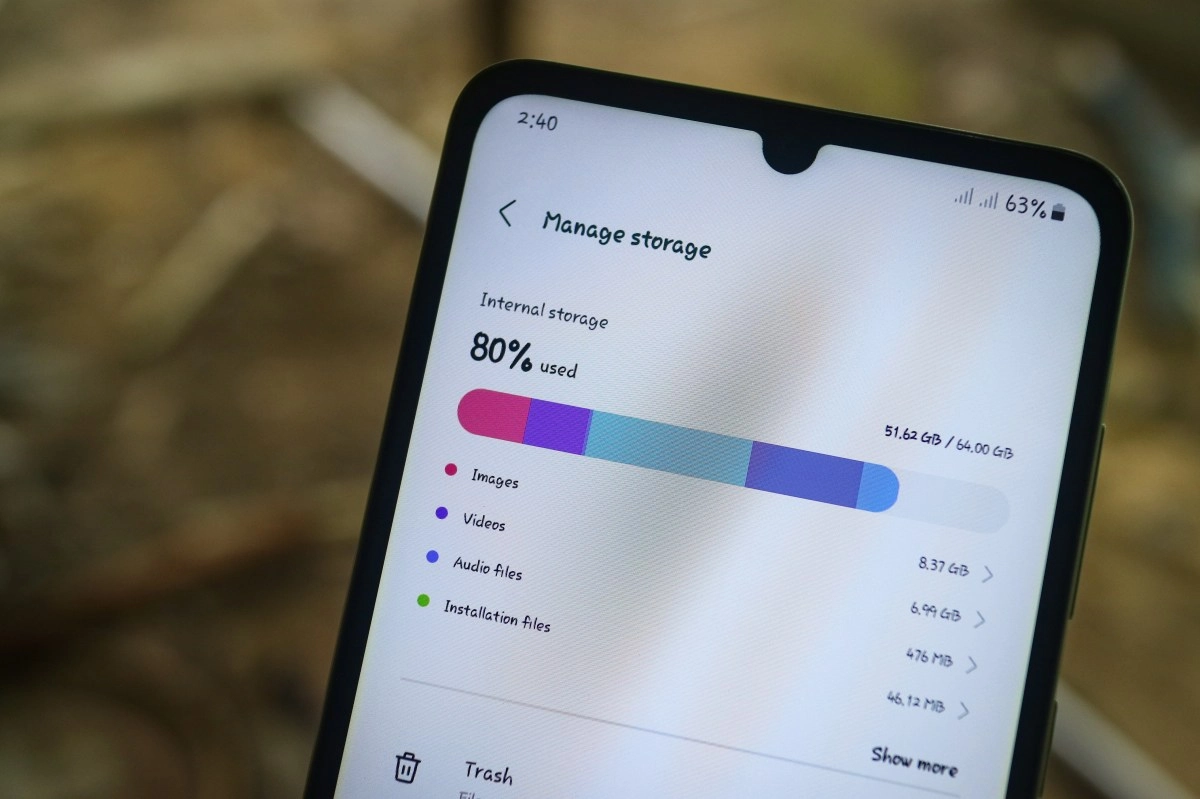
Internal storage has become the most valuable resource on our smartphones. In an ecosystem where apps are getting bigger and bigger and 4K video is the standard, the base 128GB models are starting to feel claustrophobic for many users. We usually point to the usual suspects: the thousands of photos in the gallery, social media caches, or resource-intensive games. However, there's a "silent eater" of space on modern Google Pixel phones that very few users know about. It's not something you've voluntarily downloaded, but a system feature designed for the "age of Artificial Intelligence" that, ironically, could be taking up vital space without offering you any real benefit in return. We're talking about the device's local AI infrastructure. The good news is that there's a way to disable it and instantly recover almost 7 GB of internal storage.

AICore: The Heavyweight Tenant Living on Your System

To understand why your phone is mysteriously losing gigabytes, we need to look under the hood of the latest Pixel phones (Pixel 9 series and the current Pixel 10). Google has invested heavily in Gemini Nano, its most efficient artificial intelligence model, designed to run directly on the phone's hardware instead of in the cloud. This guarantees privacy and speed, but comes at a physical cost: storage space.

The system application responsible for managing these processes is AICore. This system application acts as the backbone for on-device AI functions. Its job is to download and keep updated the heavyweight language models that allow your phone to "think" without the internet.

The problem lies in the size of these models. AICore can take up close to 7 GB simply by being there, dormant, waiting to be used.

For the user who rarely uses text generation tools or automatic summaries, this translates into a "technology tax": you're giving up almost 6% of your total storage (on 128GB models) for functionality you may never touch.

How to disable the feature and clean up the trail

Google doesn't make it easy to remove this service,as it considers it a fundamental part of the Pixel experience. Simply dragging an icon to the trash isn't enough. To reclaim the space, you need to follow a specific process within the system settings that not only turns off the service but also deletes the data (AI models) it has already downloaded.

Here are the exact steps to perform the cleanup:

By performing this last step, the system deletes the data accumulated by the AI ????model updates. The result is instantaneous: the available storage counter increases dramatically, freeing up between 3 and 7 GB of space in most cases. It's one of the most efficient ways to "breathe new life" on a saturated phone without sacrificing personal content.

What stops working? The Implications of a “Less Intelligent” Android

It's crucial to understand that technology is a balancing act: you can't reclaim that space without sacrificing certain functionalities. By disabling AICore, you cut off the phone's access to its “local brain.” Before proceeding, it's important to consider which tools will stop working.

Technical tests confirm that by disabling this service, the most affected features are those exclusive to the Pixel range that depend on local neural processing:

The decision comes down to a matter of priorities. For the advanced user who squeezes every last drop of software out of it, AICore is essential. But for the vast majority, who prioritize having space for videos, games, and photos, trading rarely used summary features for 7 GB of free storage is undoubtedly the best possible deal.

This news has been tken from authentic news syndicates and agencies and only the wordings has been changed keeping the menaing intact. We have not done personal research yet and do not guarantee the complete genuinity and request you to verify from other sources too.

Also Read This:


Share This:


About | Terms of use | Privacy Policy | Cookie Policy