

Android keeps a record of your notifications so you can see it
If you deleted a notice without reading it, you can still access the notification thanks to an Android feature that few users use.
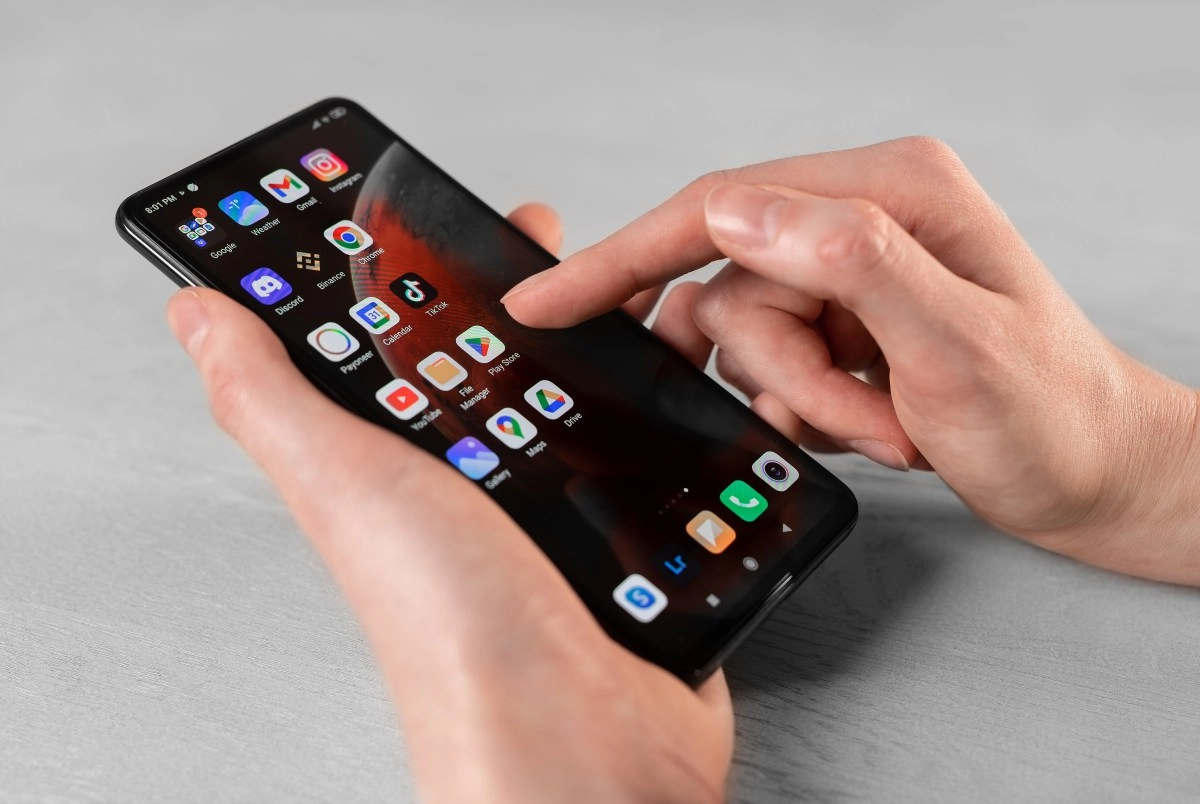

A notification has slipped through your fingers, you accidentally deleted it, or it simply disappeared from your bar and now you don't know what it said. Don't worry, it's not lost forever. Android has a hidden function that many users don't even know exists and that can get you out of that trouble in seconds.
Where notification history lives
For several versions of Android, Google included a tool called Notification History, designed just for those moments of panic when you swiped quickly and deleted something important. To find it, go into your phone's Settings and look for the Notifications section, which usually appears among the first menu options. Within that section you will see several subcategories, but the one that interests you is in Manage, with the exact name Notification History.
If your model has a different interface, don't worry, you can also directly type “Notification history” in the search bar of the settings and the system will take you there with a single touch. In some Samsung or Xiaomi the path changes a little and appears within “Applications and notifications” or in “Advanced functions”, so if you don't find it the first time, try there.
How to activate it and use it to your advantage
Once inside that screen, the key is to activate the switch that says “Use notification history”, because it is turned off by default on most devices. As soon as you turn it on, the system begins to keep a record of everything that comes to you, including what you accidentally discarded, and organizes it in a section called Recently Discarded.
There are two ways to get to that history quickly. If you still have notifications visible on your dashboard, simply look for the History button that appears below the last notification. Now, if your panel is empty and only shows you the “No notifications” message, it still works: tap right there, in that blank space, and the system automatically redirects you to the full list. From there you can see everything ordered by application, with the exact time each notification arrived during the last 24 hours.
Extra tricks to not miss a single notice
Something that few know is that there are third-party apps such as Notification History Log, available on Google Play, that expand this native function and save the record for longer, ideal if you are one of those who checks your cell phone once a day. You can also create a shortcut on your home screen by long-pressing on an empty space and finding the notifications widget, saving you from going in and out of settings every time.
It is worth clarifying that this tool does not resurrect complete WhatsApp messages or multimedia content, rather it shows you the notice as it arrived on your screen, with the text and the source app. Still, it's more than enough to remember what they said to you, who texted you, or what update arrived just when you couldn't check your phone. Activating this feature literally takes thirty seconds and can save you more than a headache when that important notification slips through your fingers.
This news has been tken from authentic news syndicates and agencies and only the wordings has been changed keeping the menaing intact. We have not done personal research yet and do not guarantee the complete genuinity and request you to verify from other sources too.