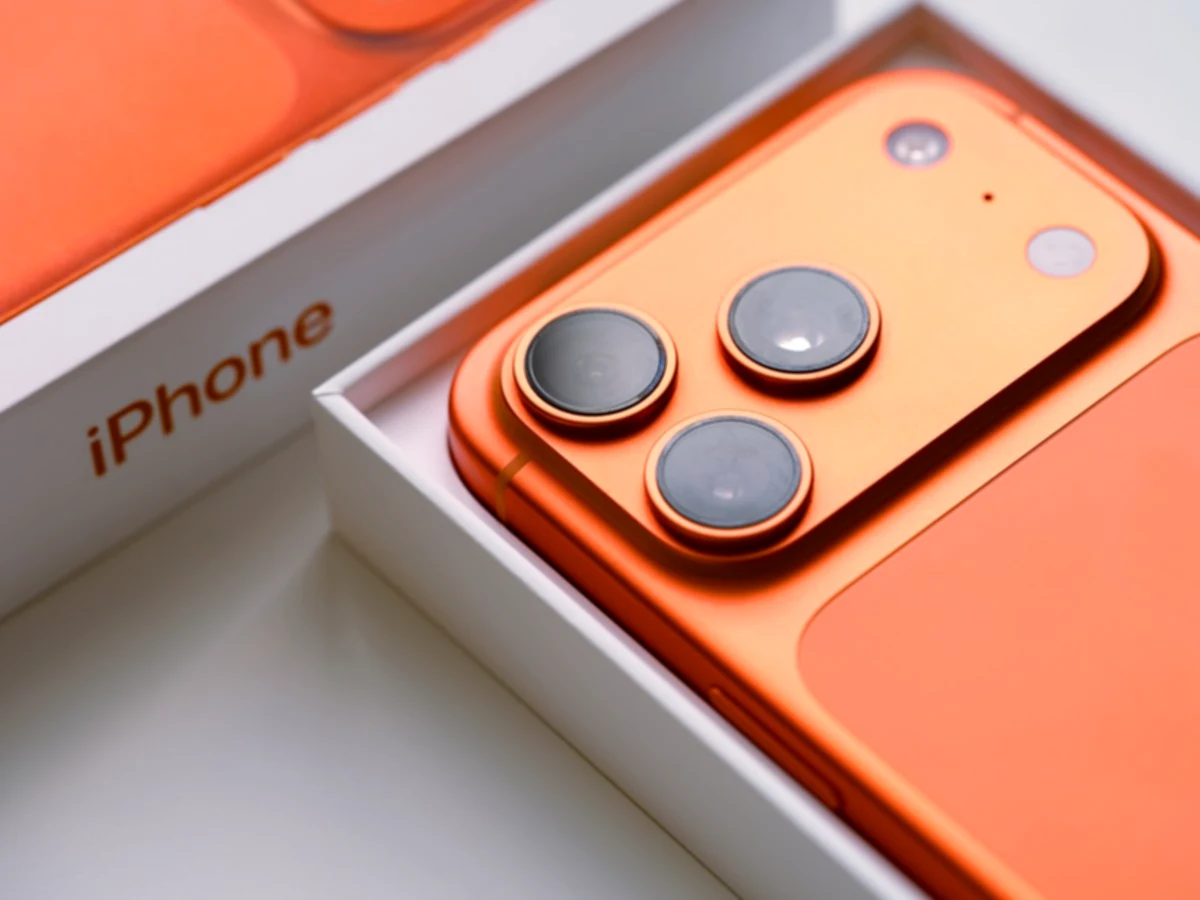

If you feel that the photos on your cell phone do not convince you, the problem is probably not your phone, but the way you are using its camera. Most users stay in automatic mode and never explore the options that really make a difference. Adjusting three key parameters can completely transform the sharpness, color and detail of your images, all without needing to purchase additional equipment.
1. Master manual focus and exposure
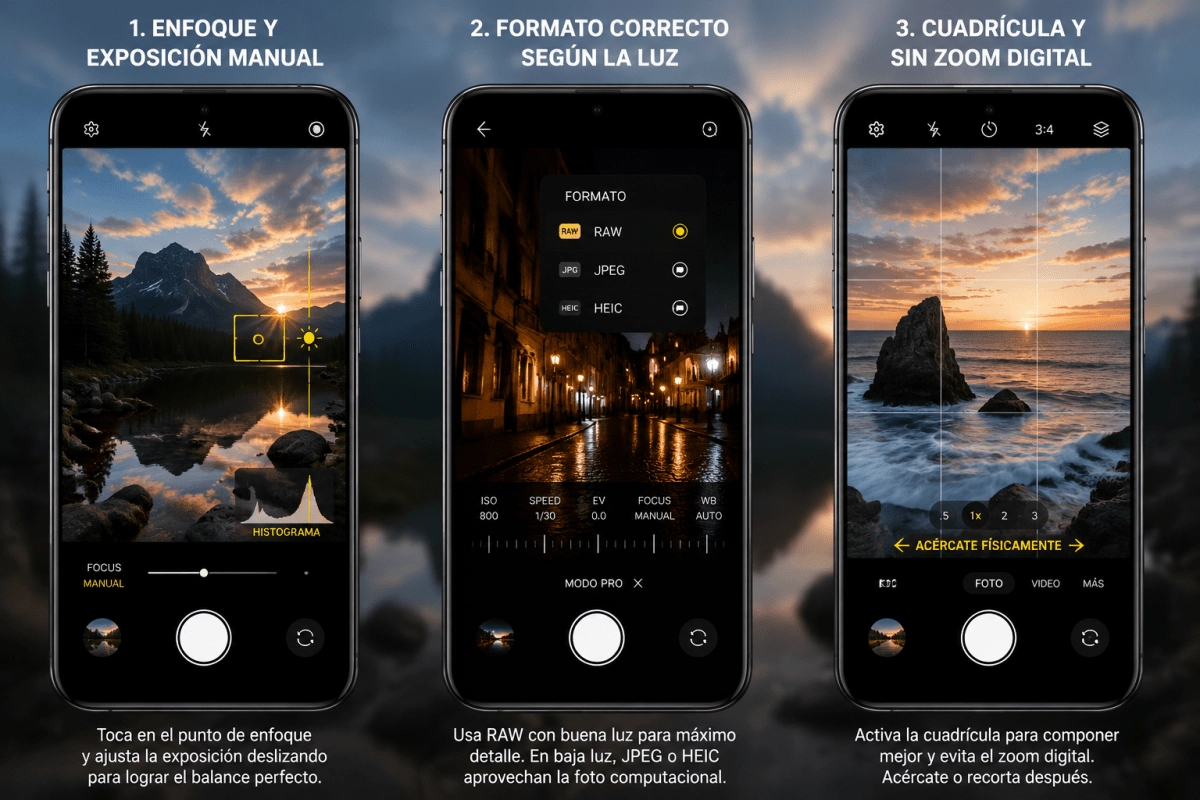
The first big secret to taking photos that really stand out is to stop relying on autofocus and take control yourself. By touching the screen at the exact point where you want the camera to focus, you are telling the sensor exactly what to prioritize, and that already completely changes the sharpness of the result. Many Android devices also allow you to swipe after touching the screen to adjust the level of light exposure, giving you much finer control over bright or dark areas.
This combination of manual focus and exposure is especially useful in scenes with high contrast, such as a sunset or a backlit face. The objective is to prevent the camera from “deciding for you” and ending up overexposing the sky or leaving in shadow what you really care about capturing. If your phone has a histogram in the advanced options, activating it will help you a lot to see in real time if the photo is balanced before shooting.
2. Choose the correct format according to the available light
Here comes a setting that almost no one touches, but that may have the most impact on the final quality of your photos. When there is good light, such as on a sunny day or in well-lit outdoors, the ideal is to shoot in RAW format, that raw format that preserves all the information captured by the sensor without compressing or losing detail. This gives you much more flexibility later when editing, because you have the original file intact to work with.
Now, when light is scarce, such as in dark interiors or at night, the game changes completely. In these cases, it is advisable to opt for computational photography offered by JPEG or HEIC modes, since the phone itself applies noise reduction and detail enhancement algorithms that a RAW file cannot take advantage of in the same way. Many smartphones also include a Pro mode where you can manually control the shutter time and ISO sensitivity, two parameters that help you get the most out of any lighting condition.
3. Use the grid and avoid digital zoom
The third setting that I recommend activating right away is the composition grid, that function that divides the screen into nine blocks following the rule of thirds. Placing important elements of your photo near the intersections of those lines makes the image look much more balanced and professional almost effortlessly. To activate it, you usually just have to enter the camera settings, go to the composition section and turn on the grid option.
The other habit change you need to make now is to stop using digital zoom when you can avoid it. This function does not capture more real detail, it simply digitally crops and enlarges the image, resulting in grainy photos with noticeable loss of quality. Instead, get physically closer to the subject or take the photo in full resolution and crop later in editing, so you retain much more sharpness.
Getting the most out of your phone's camera doesn't depend on purchasing a more expensive model, but on understanding the tools you already have available. By combining manual focus, the correct capture format according to the light and a good composition with the grid, you will notice a huge difference in the quality of your photos from the first time you put them into practice.