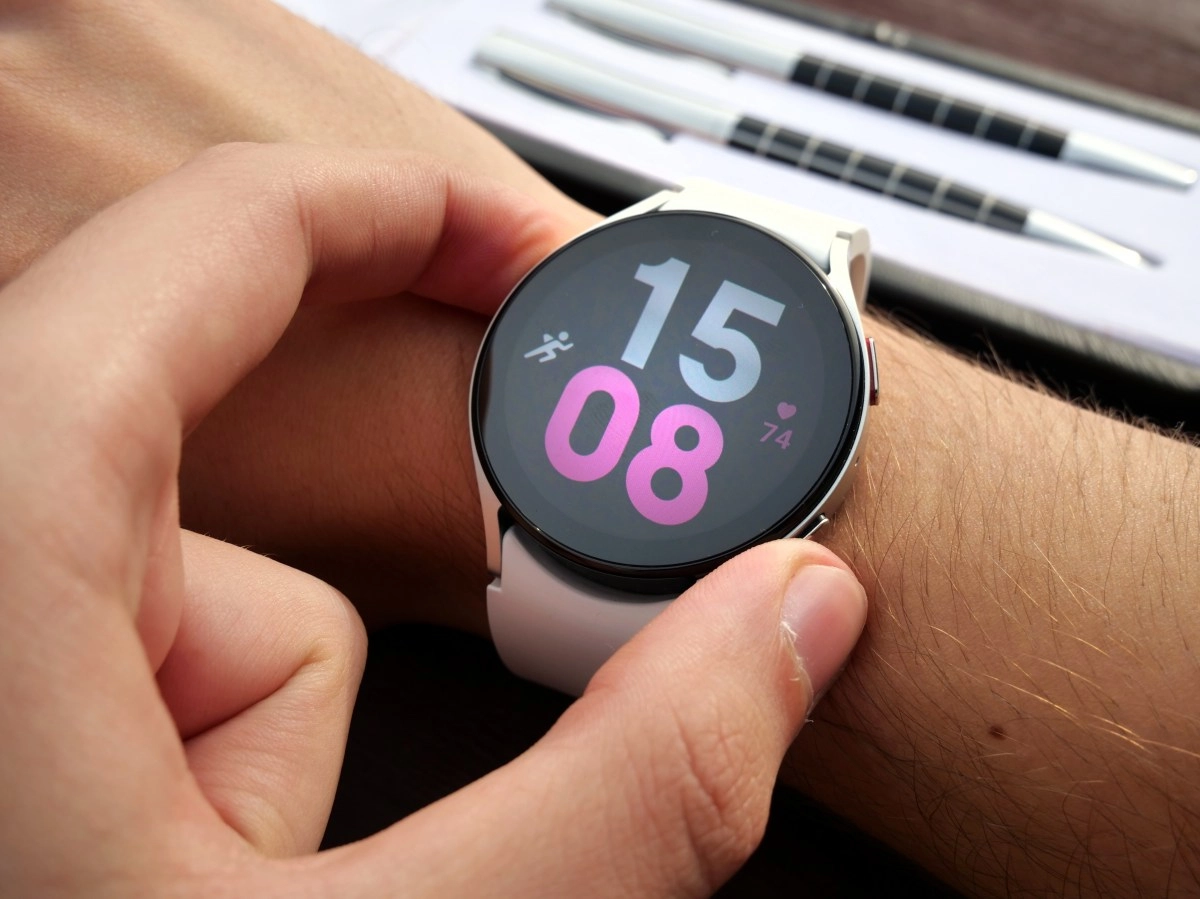

High-end smartwatches have become little computers that we carry on our wrist, and the Samsung Galaxy Watch is a perfect example of this. When a device has so many functions packed into such a small screen, it is totally normal that many of them end up hidden in some menu that we never open. Most people use their Galaxy Watch to see the time, count steps, and receive notifications, and that's it, there it is.
But if you scratch a little deeper beneath the surface, you'll find tools designed for your safety, your health, and your daily life that many users don't even know exist. Here we tell you three of the most useful so that you stop underestimating what you have on your wrist.
1. Fall detection and emergency contacts, your invisible safety net
This is probably the most underrated feature in the entire Galaxy Watch ecosystem. Thanks to the built-in accelerometer, the watch can automatically detect if you have suffered a hard fall and, if you do not respond within a few seconds, activate an emergency call.
Best of all, you can also configure emergency contacts so that they receive a notification with your location in real time as soon as the incident occurs. To activate it, you have to go into the Samsung Wearable app, tap on “Advanced” and look for the “Emergencies” section. There you enable fall detection and add the people you want to notify.
It may sound like something designed only for older people, but the truth is that anyone can suffer an unexpected accident, whether riding a bike, running or simply on the street. Having this safety net activated costs nothing and can make a huge difference at a critical time.
2. Use your watch as a camera remote control
If you are one of those who get tired of running to get to the group photo before the timer goes off, this function will change your life. The Galaxy Watch allows you to control the phone's camera remotely, practically functioning as a wireless shutter release.
Simply open the camera app on the watch while your phone and smartwatch are connected, and from there you can see a preview, adjust the frame, and take the photo without touching your phone. It is ideal for group photos, tripod self-portraits or any situation where you need distance between you and the camera.
By the way, we take this opportunity to recommend another interesting change related to voice interaction. Many users don't know that they can replace Bixby with Google Assistant on the watch, which usually translates into faster and more accurate responses when you ask something out loud. Small adjustments like these end up making the watch feel much more useful in daily use.
3. Health metrics that go far beyond counting steps
This is where the latest Galaxy Watches really separate themselves from the rest. Beyond basic heart rate monitoring, Samsung put in some pretty sophisticated health features that almost no one takes full advantage of.
One of them is the Antioxidant Index, a tool that in just five seconds measures the carotenoids present in your skin and gives you a score from 1 to 100 related to your healthy aging. Another is the Energy Score, which analyzes how habits like alcohol or late-night snacking impact your daily vitality.
There's also Bedtime Guidance, which tracks your sleep quality, heart rate, and stress level to help you improve your nighttime routines. And if you're someone who trains often, the Vascular Load function measures the stress on your vascular system while you sleep, giving you valuable clues about your recovery.
All of these functions live within Samsung Health, so if you've never opened that app fully, you have some work to do. The idea is not to obsess over every number, but to use that data as a guide to better understand your body.
At the end of the day, a well-used Galaxy Watch can be much more than a pretty accessory to complement your phone. These three functions are just a sample of everything that is hidden within the settings menu, so the next time you have five free minutes, go explore the app on your watch. You will surely be surprised with what you find.