How to know exactly how many hours of battery life your phone has left
Both Android and iOS have options that allow you to know exactly how much battery life your phone has left before it shuts down
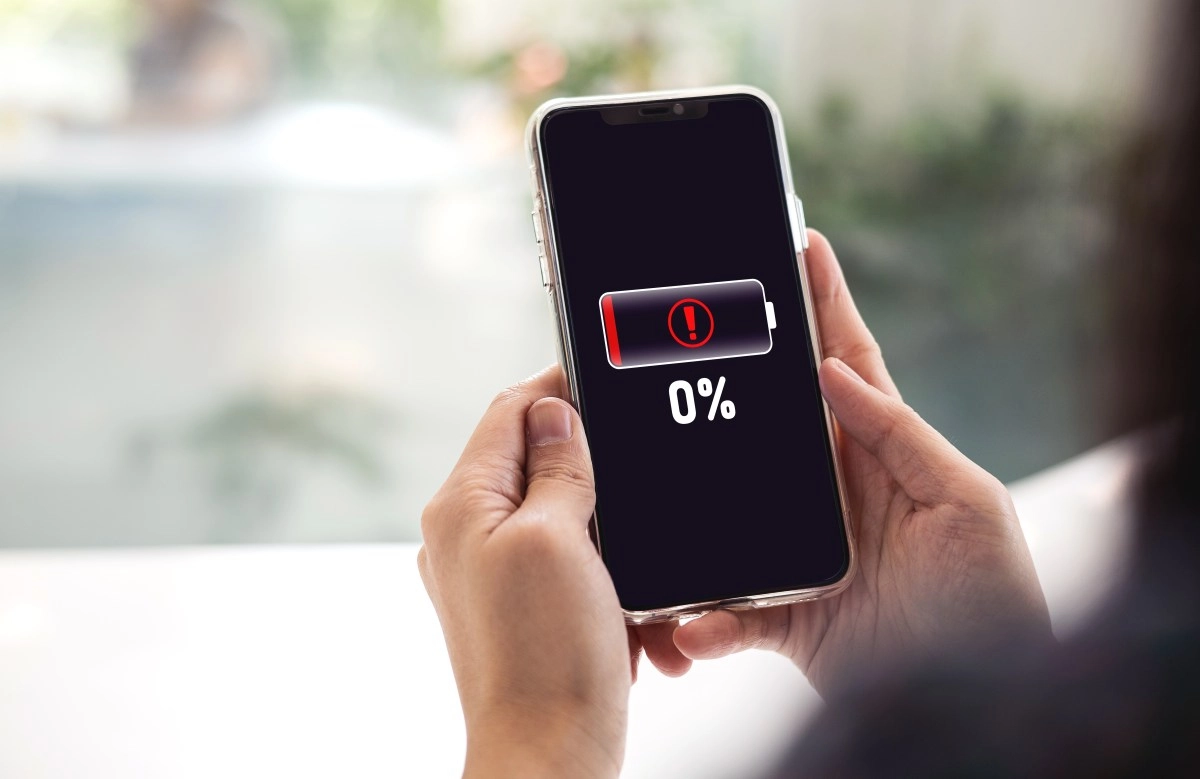
Have you ever looked at your phone's battery percentage and wondered exactly how many hours you have left before it shuts down? Android makes it possible with precise estimates in hours and minutes, based on your actual usage, while iPhone sticks to the basics but with useful tricks to get an approximation. It's one of those features that changes how you plan your day, especially on phones with massive batteries like the latest OnePlus or Galaxy models.
How to easily and accurately see your remaining battery time on Android
Most modern Androids show you your remaining battery time directly in the settings, no fuss. Swipe to Settings > Battery, and there it is: “6 hours 45 minutes remaining,” calculated using data from your current usage, such as open apps, screen brightness, or mobile data. It updates in real time—if you switch to Netflix, it drops quickly; in standby, it stretches—thanks to algorithms that monitor CPU, sensors, and usage habits.
On Google Pixel, for example, tap the icon in the quick panel for an instant glance, perfect for heavy multitasking. It works on almost all devices, from budget phones to flagships, and with Android 15/16, some, like the Pixel, even show the exact time of battery depletion in the status bar. Try it now: swipe, look, and feel the control.
Samsung, with One UI, elevates this to a visual art form. In Settings > Battery, you see detailed graphs with estimated time remaining, a breakdown by app, and even projections if you activate power saving mode. On a Galaxy S25 or A-series, for example, with moderate use, you can easily see "12 hours remaining" even with the always-on display, similar to how the OnePlus 15R lasts for days in balanced mode. Xiaomi, in HyperOS, goes even further with extreme modes: go to Battery > Current Mode, and extreme saving displays precise minutes in a minimalist interface, quintupling the battery life for emergencies like a call at 5%. It's fantastic for long trips, where brands like Nothing or Motorola offer the same in similar menus. Each manufacturer adjusts according to their hardware—silicon-carbon in some for enormous capacities—But the core is the same: predictions based on you.
How to see how many hours of battery life your iPhone has left
iOS doesn't offer native hours/minutes like Android—only percentages—but iOS 18/19 betas on iPhone 16 add "time remaining" in Control Center: press and hold the battery icon and turn on the option. If you don't have it, go to Settings > Battery to see usage by app and do the quick math: if you use 20% per hour of video, with 50% you have 2.5 hours left.
Use Shortcuts to automate: create one that estimates based on average usage, or turn on Low Power for extended predictions based on habits. It's not as granular as Android, which uses AI to turn off unnecessary background processes (up to 30% less CPU in some cases), but it competes in pure optimization. In real-world tests, an iPhone lasts similarly on standby, but Android wins in everyday visibility.
Android dominates because it prioritizes real data over generic estimates, as seen in reviews where 7,000mAh+ batteries shine in mixed use. Universal tricks: dark mode, close battery-guzzling apps, a home screen widget for quick checks, and 100% accurate notifications while charging. If it drops below 80% capacity, check battery health in settings—Android now displays this natively.
I tested this on a Galaxy S25, Xiaomi 14, Pixel 9, and iPhone 16 Pro: Android feels more predictable, iPhone more efficient during peak usage. Upgrade now and master your battery—no more panicked plugging in. How much do you have left right now?
This news has been tken from authentic news syndicates and agencies and only the wordings has been changed keeping the menaing intact. We have not done personal research yet and do not guarantee the complete genuinity and request you to verify from other sources too.