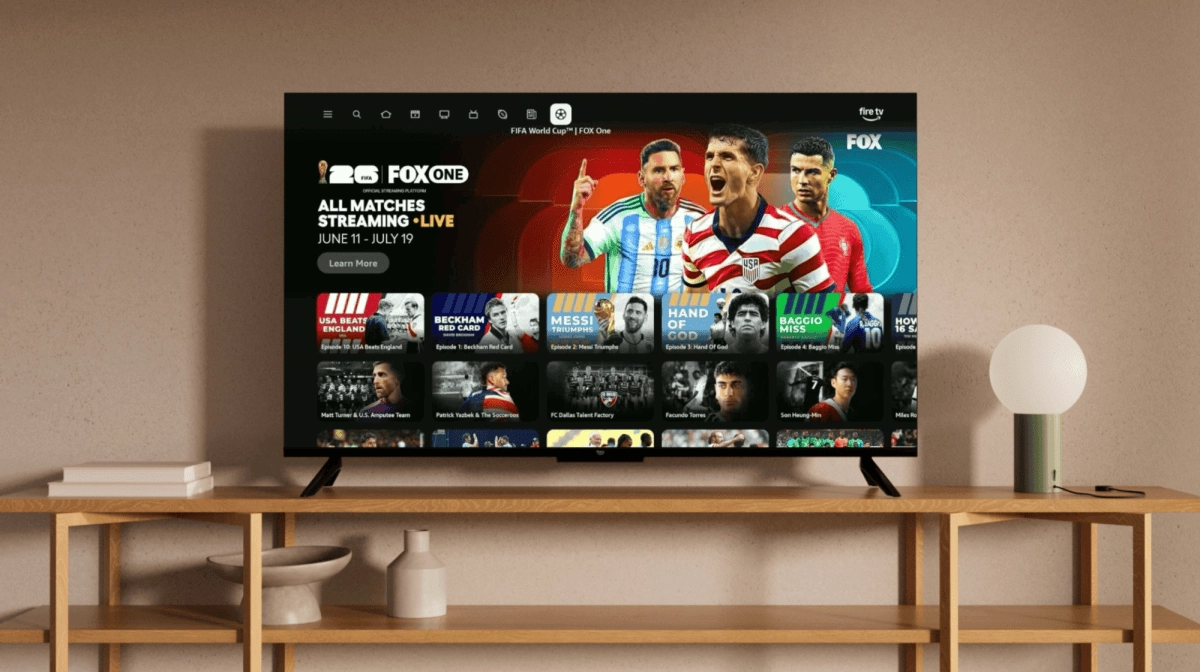

If you want to enjoy the World Cup on your Smart TV in 4K without cuts or freezes, the winning move in your living room is to connect the TV via network cable instead of depending only on the integrated WiFi. This is not about demonizing WiFi, it works great in many scenarios, although when we talk about a key game in 4K resolution, the extra stability of the Ethernet cable makes the difference.
Why your TV's WiFi may fall short in the middle of the World Cup
Streaming platforms usually ask for between 20 and 25 Mbps per screen for 4K and some reach between 35 and 50 Mbps when you add HDR, 60 fps content or less compressed codecs. That figure is per television and it also has to be a stable speed, not peaks that appear for a moment and then fall.
The problem is that TV WiFi rarely lives in perfect conditions. Walls, furniture, neighbors' networks, microwaves and dozens of cell phones competing for the same band turn your wireless signal into a highway full of traffic. Although the router theoretically offers very high speeds, the real experience ends up full of mini cuts, speed ups and downs, and latency spikes that translate into the typical buffering just when your team hits the area.
There is another detail that is often overlooked. In a modern home there is rarely a single screen consuming data. While you're watching the game in 4K, someone at home opens another streaming app, someone else makes video calls, and a couple of devices download huge updates. The sum of everything puts pressure on the wireless network and the TV's WiFi is what ends up paying the price with quality drops or sudden pauses in streaming.
As if that were not enough, WiFi latency usually ranges between 5 and 30 milliseconds, with even higher peaks when there is congestion or you are somewhat far from the router. Video streaming is not as sensitive as competitive gaming, although in live events like a World Cup those peaks can translate into delays or small cuts that break the experience.
What network cable gives your Smart TV for 4K
The Ethernet cable connects the TV directly to the router, which offers a clean path, without interference and with a much more consistent speed than WiFi. Several analyzes agree that wired connections stably maintain practically all of the contracted speed, while WiFi loses part of that bandwidth due to its wireless nature.
Even with a common limitation on many televisions. Most current Smart TVs have Ethernet ports of up to 100 Mbps instead of Gigabit ports. This means that, even if you have 300 Mbps, 500 Mbps or more fiber, your cable TV will remain around 90 Mbps real. However, those 90 Mbps are more than enough for fluid 4K streaming, which normally ranges between 20 and 50 Mbps per stream depending on the platform and type of content.
While WiFi can reach higher speeds in ideal tests, the cable gains in stability and ultra-low latency, which usually falls in the range of 1 to 5 milliseconds. This difference is noticeable when the entire building decides to connect at the same time, since the wired connection does not suffer as much from peak hours or changes in the position of the router antenna.
That is why many operators and technical guides recommend using Ethernet cable on fixed devices that consume a lot of bandwidth such as Smart TV for 4K, consoles or set top boxes, while WiFi is left for mobile phones, tablets or second screens. The idea is not to say that WiFi is useless, because it works perfectly on a second television or for HD content, but to reserve the cable for that game that you do not want to see pixelated or with cuts.
Extra tricks to make the most of your connection at the World Cup
If you are going to live the World Cup in streaming, it is worth doing a mini tune-up at home. Many companies suggest plans of at least 100 Mbps for homes with multiple screens and connected devices, especially when mixing 4K, online gaming, and heavy downloads. It is not about hiring the highest speed in the catalog without thinking, but about having enough margin above the 25 or 30 Mbps that each 4K stream needs.
In addition to using a newer network cable such as Cat 5e or Cat 6, you can review the location of the router so that WiFi performs better in the rest of the house and not just in the living room. If the wireless signal is very weak in some rooms, well-configured mesh systems or repeaters help prevent other devices from saturating the infrastructure so much when everyone is connected.
Another good practice is to prioritize the TV and the decoder over other equipment during game hours. Several guides recommend avoiding heavy downloads and automatic updates during important events to reduce congestion spikes that could affect 4K streaming. Some router interfaces even allow traffic priority to be given to a specific LAN port, so that the Smart TV always has the best possible route to the Internet.
In short, WiFi will continue to be a great ally for most of your daily uses, but when the plan is to sit down and watch the World Cup on your Smart TV with 4K resolution and without interruptions, the smartest thing is to play in favor of stability. Connecting the TV via network cable is not a magical or exclusive solution, although it provides just what WiFi does not always guarantee when the whole house is connected at the same time. If you combine a good fiber plan, a modern router and your television connected to the router via Ethernet, you will be ready to shout every goal in 4K without buffering ruining your game.