Sunrise:
Sunset:
°C
Follow Us

Learn how to configure your Xbox to forget about updates before playing

Properly configuring your console can allow updates to be downloaded and installed automatically without you even noticing
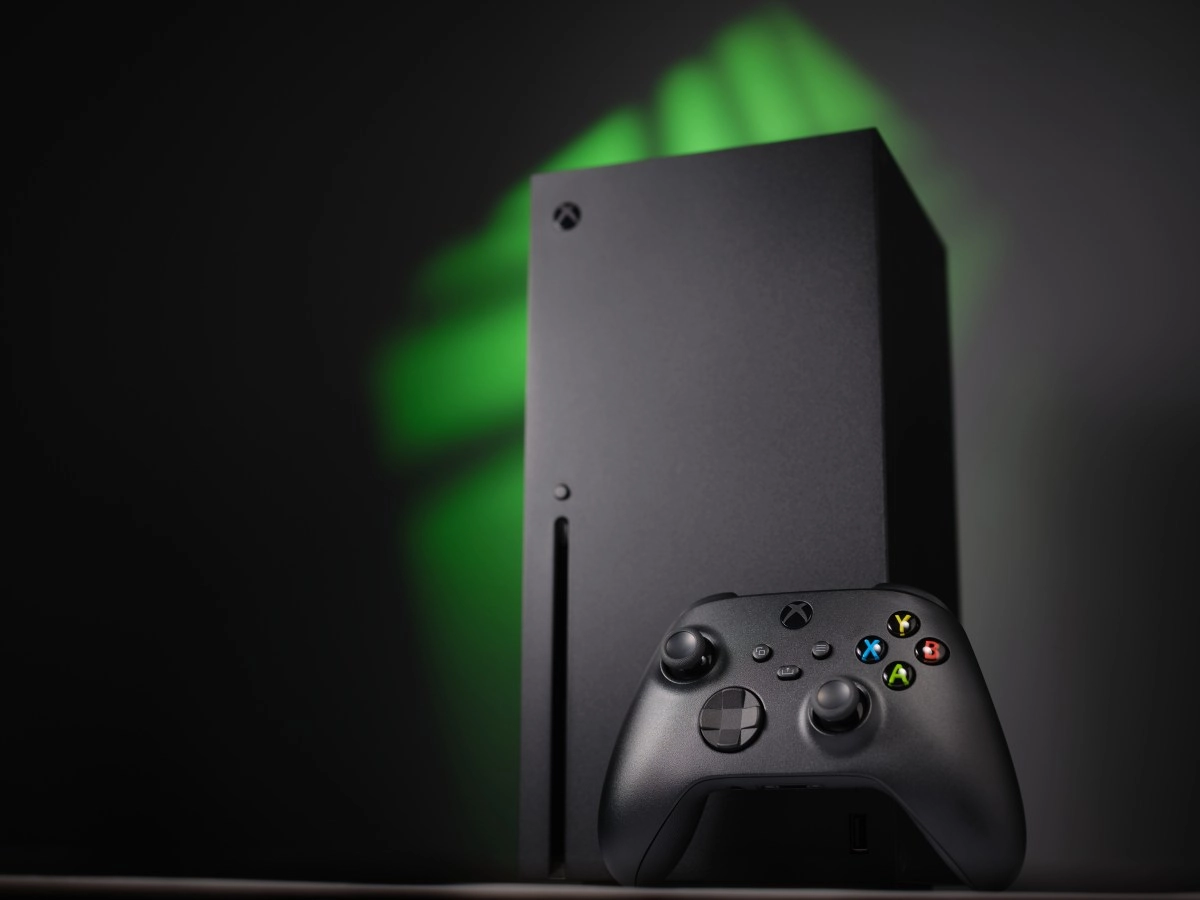
Learn how to configure your Xbox to forget about updates before playing
Time to Read 2 Min

Starting your Xbox wanting to play a few quick matches and encountering the typical message "this game needs updating" is one of the most annoying things that can happen to any gamer. That situation can be practically a thing of the past if you configure your console to automatically download and install updates in the background.

On Xbox Series Add to that the fact that modern titles receive constant updates of several gigabytes, and it's normal for the "update required" message to appear just when you want to play.

The good news is that Xbox includes options for automatic updates of games, apps, and the system itself, but they depend on two things: that they are activated in the settings menu and that you use the appropriate power mode (sleep or "instant power on") instead of a complete shutdown.

Once you adjust both of these settings, the console can download patches and get everything ready while you're sleeping, working, or simply with the TV off.

Enable automatic game and system updates

The first step is to explicitly tell the console that you want it to handle keeping itself up to date. To do this, you need to access the updates section from the Xbox guide, which works very similarly on Xbox Series Furthermore,You can manually check for pending patches from "My games & apps" > "Manage",but ideally, the system should do the heavy lifting for you, and you should only check there occasionally out of curiosity.

Configure power mode to download with the console "off"

The second key factor is power consumption: if your Xbox is completely off, it won't download anything until you turn it on. To allow it to continue working in the background—downloading games, updates, and DLC—you need to use sleep/wake mode, which leaves the console in low power but connected and ready to continue downloading.

To adjust this from the console:

In this mode, the Xbox consumes slightly more power than in a complete shutdown, but in return, the console boots up much faster, and most importantly, your games will already be updated when you return, without having to wait for a multi-gigabyte patch to download. If you usually leave it plugged in and don't unplug the power strip, it's the perfect combination with the automatic update options in the previous section.

This news has been tken from authentic news syndicates and agencies and only the wordings has been changed keeping the menaing intact. We have not done personal research yet and do not guarantee the complete genuinity and request you to verify from other sources too.

Also Read This:


Share This:


About | Terms of use | Privacy Policy | Cookie Policy